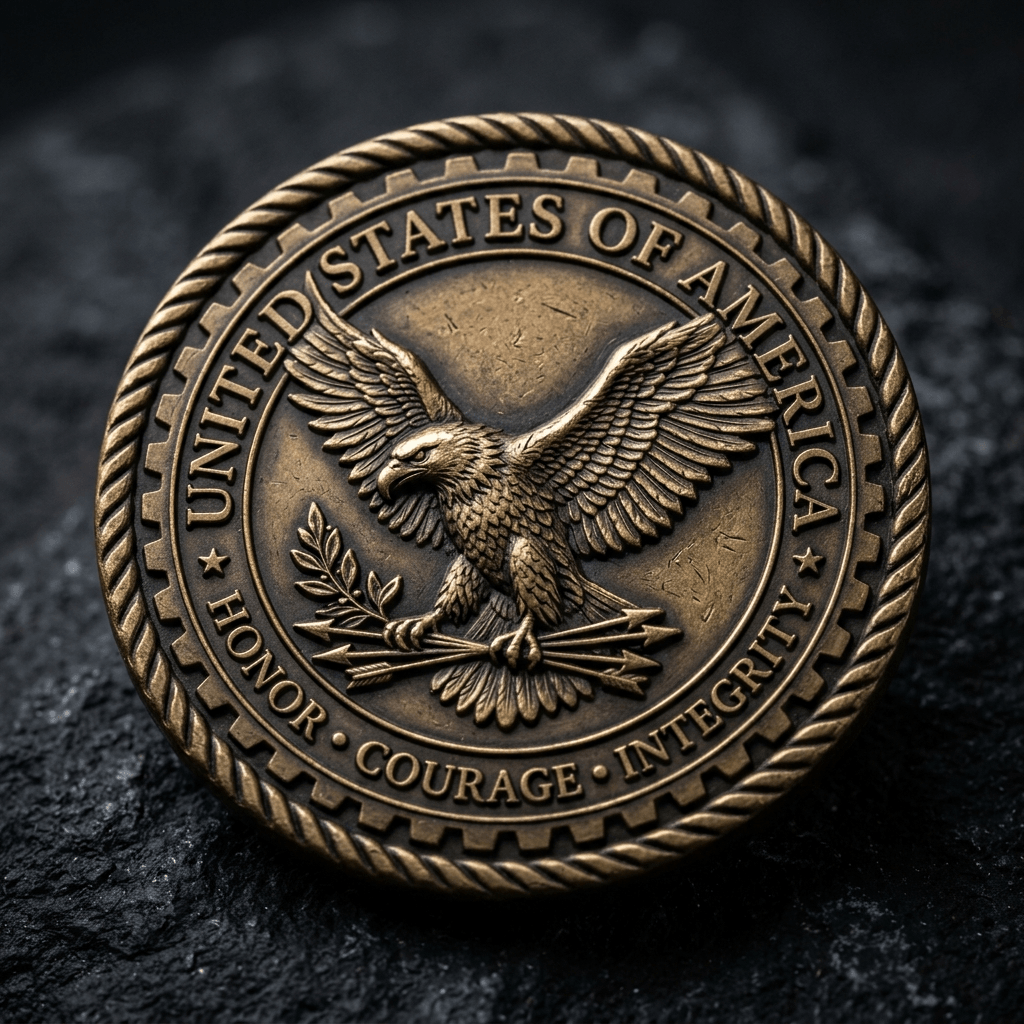
Challenge coins are a premium niche in laser fabrication. Military units, police departments, fire stations, corporate clients, and sports teams all buy them — and they command $15–$40 per coin at retail. The Coin Designer builds production-ready 2D designs and 3D models in minutes.
What makes a great challenge coin design:
- Strong center emblem (logo, unit crest, or custom AI artwork)
- Text ring around the outer edge (motto, date, unit name)
- Clean edge detail — serrated, rope, or smooth
- High contrast for laser engraving depth variation
Step 1: Design in the Coin Designer Open the Coin Designer and set your coin diameter (standard: 38mm / 1.5"). Add your center emblem — upload a logo or generate one using [The Fabricator](/fabricator)'s AI generator. Add edge text and select your border style.
Step 2: Export for production - SVG (via Image Lab → Vectorize) → Engrave onto 1.5mm stainless steel, brass, or anodized aluminum blanks using a fiber laser. Use the MOPA Color Predictor to add color fills to stainless. - STL → 3D print in resin for maximum detail, then spray paint and sand for a cast-metal look.
Laser settings for stainless coin engraving (fiber laser):
- Speed: 500–800 mm/s
- Power: 60–80%
- Frequency: 20–30 kHz (adjust with MOPA predictor for color effects)
- Line Spacing: 0.05mm for solid fills
Pro tip: Offer "set of 10" pricing to organizations. Bulk orders are where the real margin is — your setup time is fixed, only material scales.
Frequently asked questions: Fabrication
What laser settings do I need to engrave a challenge coin on stainless steel?
For fiber laser engraving on stainless steel challenge coin blanks, use: Speed 500–800 mm/s, Power 60–80%, Frequency 20–30 kHz, Line Spacing 0.05mm for solid fills. These are baseline settings for a 30W fiber laser — always run a test on scrap material first. For color fills on stainless, use a MOPA fiber laser and adjust pulse width with the Reticle Red MOPA Color Predictor to achieve blue, gold, red, or green oxide effects.
What is the standard size for a challenge coin?
The standard challenge coin diameter is 38mm (1.5 inches), which is the traditional military specification. Common sizes range from 32mm (1.25") for smaller commemorative coins up to 50mm (2") for premium collector coins. The Reticle Red Coin Designer defaults to 38mm and lets you adjust diameter before exporting your SVG/DXF template or 3D-printable STL file.
Can I make challenge coins without a fiber laser?
Yes — 3D print your coin design in resin for maximum detail, then finish with metallic spray paint and light sanding for a cast-metal appearance. Export your design as an STL from the Reticle Red Coin Designer. Resin-printed coins sell well alongside fiber-laser engraved versions and require only a basic resin printer. For diode laser operators, anodized aluminum blanks can be engraved without a fiber laser — diode lasers ablate the anodized layer to reveal bare aluminum beneath.