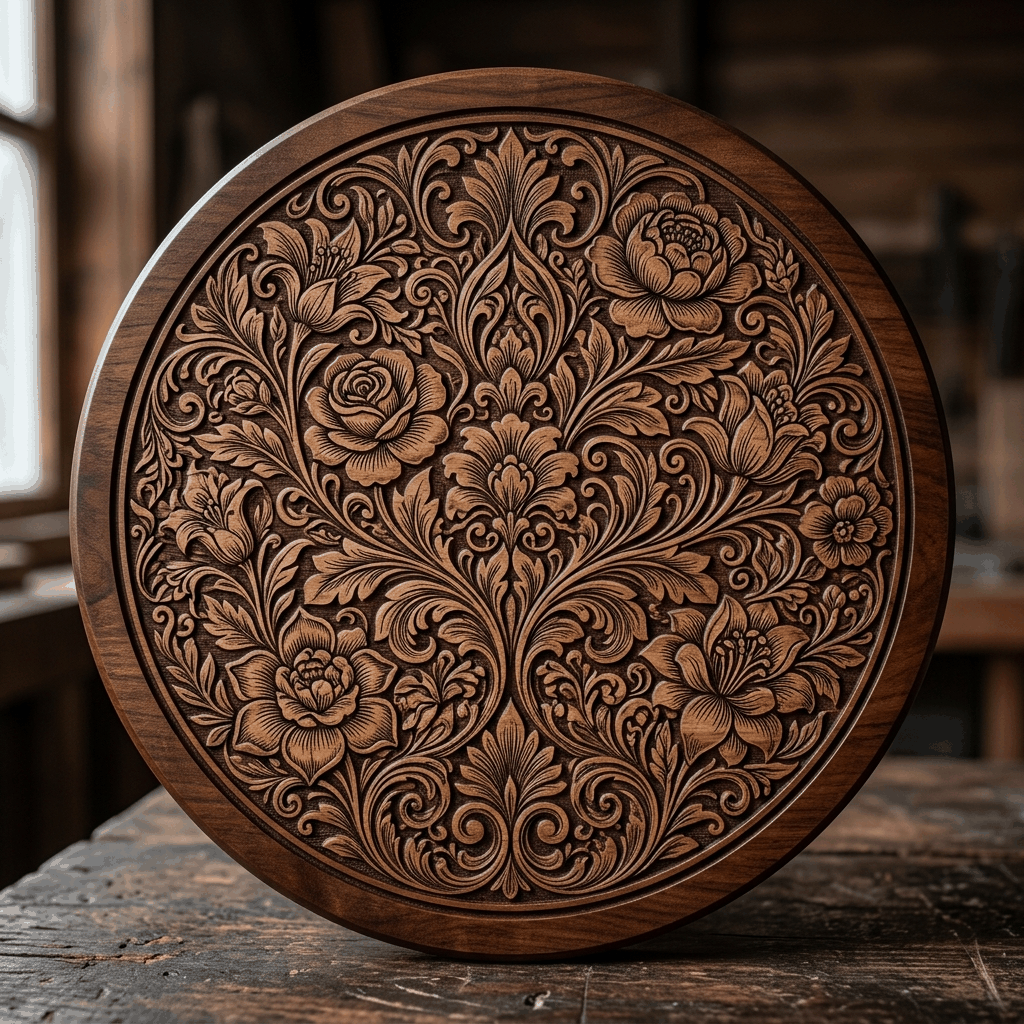
Creating laser-ready AI patterns used to take hours in Illustrator. With The Fabricator, a first draft takes seconds, and the rest of the minute goes on checking that it will actually burn. The five steps below take you from a blank canvas to a file worth testing.
Step 1: Describe the design
Open The Fabricator and describe what you want in the prompt field, for example "Celtic knotwork with wolf head center, high contrast". Name one focal subject, the ornament around it and the look you want. Crowded prompts produce busy art that is hard to read at engraving size. If the artwork belongs on a real part, upload a photo of that part first so the design is composed on its actual shape.
Step 2: Pick a Style DNA reference
Select a professional reference from the Style DNA library. Each style is seeded with a curated reference image to keep the look consistent (Victorian, Celtic, Cyberpunk, etc.). The catalog records density, coverage behavior and suited materials for every style, so pick one whose line density your machine can resolve. Hairline filigree that reads well on a MOPA fiber can fill in on a diode or CO2 burn, where bolder ornament holds up better.
Step 3: Paint the Art Zone
Paint a mask over the target area and click FIRE. The design is generated on a blank canvas, so there are no background artifacts to clean up. The painted zone is the manufacturing boundary: the art follows the real part outline, and enclosed openings such as screw holes, ports and trigger guards are left clear instead of filled. For an awkward silhouette, the free Outline Studio turns a photo of the part into an exact outline before you paint.
Step 4: Match the engine to the job
Engines differ in speed, density and price, and each engine's current credit cost is shown before you fire. SPARK CORE, the default, is the quickest and lowest-cost tier, built for testing a prompt, a style or a part shape; it trades some edge-to-edge density and subject fidelity for speed. FORGE 2.0 is the everyday final render. ULTRA CORE spends more of the canvas on dense, edge-to-edge ornament and is the safer premium choice for bold diode or CO2 work. MASTER 2.0 is the slowest, finest-detail option, aimed at fiber and MOPA metal work. For MOPA color marking, FORGE COLOR snaps the art to your palette and separates it into one LightBurn layer per color. A practical rhythm is to iterate on SPARK CORE, then render the keeper on a higher tier. A failed run refunds its credits automatically.
Step 5: Export, trace and inspect
Download the full-tone PNG as individual layers or a merged composite. When you need vector paths, run the result through Image Lab → Vectorize (the current credit cost is shown before you run it) for a separately traced SVG. Import the file at its measured size and zoom into the finest lines: anything thinner than your machine's focused spot will merge or disappear in the burn.
Before production: Test the artwork on scrap from the same material batch at its final size. If fine detail fills in, try a bolder Style DNA or a different engine before you change machine settings. Output from the AI tools is assigned to you, including for commercial work, and your uploads are never used as training data.
Frequently asked questions: AI Generation
What is The Fabricator AI laser pattern generator?
The Fabricator is Reticle Red's AI-powered pattern generation tool. You describe a design in a text prompt, select a Style DNA reference from the library, and the engine outputs a laser-ready black-and-white pattern on a pure white canvas in seconds. The result preserves raster tones and can be traced separately to SVG; inspect the paths, physical size and settings before engraving — run it through Image Lab → Vectorize when you want vector paths.
What file format does the AI pattern generator produce?
The Fabricator generates a high-contrast black-and-white PNG, downloadable as individual layers or a merged composite. When you need vectors, Image Lab → Vectorize converts it to a clean SVG path that imports directly into LightBurn, xTool Creative Space, and Inkscape with no conversion required.
How many credits does AI pattern generation cost?
Image generation in The Fabricator costs credits from your Reticle Red balance, and each engine's current cost is shown before you fire; SPARK CORE, the default, is the lowest-cost tier. If you need to convert your designs to vectors, Image Lab → Vectorize shows its current credit cost before conversion. Credits are pay-per-use with one-time packs from $1.99 USD, there is no monthly subscription required, and a failed run refunds its credits automatically.