Arrange Multiple Laser Parts on One Board: Split, Move, Rotate, Fit
Watch the 2:01 The Fabricator tutorial, recorded on the live site, with chapters, a step-by-step PDF guide and a link to open the tool. Free to watch.
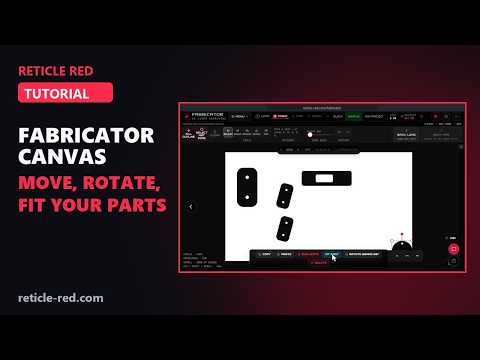
In this tutorial
- SPLIT INTO PANELS: each part becomes its own piece at its true position and size
- Tap or click a part to select it; drag to move it
- Corner handles resize; the red grip rotates (hold Shift to snap to 15°)
- The small toolbar shrinks, enlarges or turns a part in steps
- DUPLICATE, COPY and PASTE: copies land beside the original (free: 5 parts, Operator: 48)
- Outside board: FIRE is blocked until it fits, and FIT PART shrinks it just enough
- DELETE removes a part; Undo brings it back
- FIX THE LAYOUT BEFORE FIRE: overlaps are caught before any credit is spent
Chapters
- 0:00 Intro
- 0:14 SPLIT INTO PANELS
- 0:25 Select and move
- 0:44 DUPLICATE · COPY · PASTE
- 0:58 Outside board → FIT PART
- 1:08 DELETE
- 1:36 FIX THE LAYOUT BEFORE FIRE
- 1:48 Wrap-up
What the The Fabricator tutorial covers
- 0:14 — SPLIT INTO PANELS
- 0:25 — Select and move
- 0:44 — DUPLICATE · COPY · PASTE
- 0:58 — Outside board → FIT PART
- 1:08 — DELETE
- 1:36 — FIX THE LAYOUT BEFORE FIRE
Find the Right Laser Tool for Your Job See Real Results →
Privacy Policy| Terms of Service| Refund Policy| Contact and Support