Personalize Name Tags in Bulk for Your Laser
Watch the 2:09 Bulk Personalizer tutorial: Personalize Name Tags in Bulk for Your Laser with a step-by-step PDF guide and the tool one click away.
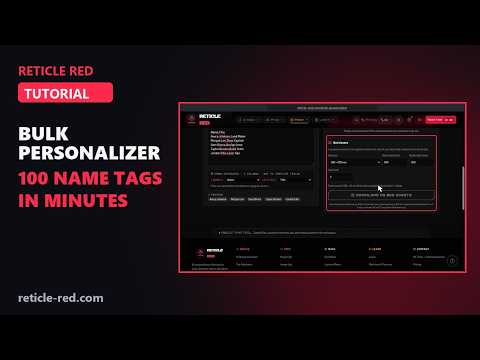
In this tutorial
- LOAD SAMPLE PROJECT: a 100 × 40 mm name tag template plus four made-up names
- 1. SVG TEMPLATE: upload or paste an SVG whose text reads {{NAME}}; the check finds 2 fields, {{NAME}} and {{TITLE}}
- 2. NAMES: one name per line, or a CSV with a header row that fills each placeholder (a fifth row typed in)
- Column mapping, with files named after the leftmost mapped column
- LIVE PREVIEW: opens on the longest name and checks every record for overflow
- DOWNLOAD THIS PROOF SVG for a single test record
- GENERATE ZIP (5 FILES): one 100 × 40 mm SVG per person, named after them
- The font portability note for templates with live text
- BED SHEETS: a 300 × 200 mm bed with a 2 mm gap fits 8 per sheet; DOWNLOAD AS BED SHEETS gives one true-size SVG
Chapters
- 0:00 Intro
- 0:14 Load sample project
- 0:24 1. SVG Template
- 0:39 2. Names
- 0:54 Map the columns
- 1:14 Proof SVG
- 1:29 Live text and fonts
- 1:41 Bed sheets
- 1:58 Wrap-up
What the Bulk Personalizer tutorial covers
- 0:14 — Load sample project
- 0:24 — 1. SVG Template
- 0:39 — 2. Names
- 0:54 — Map the columns
- 1:14 — Proof SVG
- 1:29 — Live text and fonts
- 1:41 — Bed sheets
Find the Right Laser Tool for Your Job See Real Results →
Privacy Policy| Terms of Service| Refund Policy| Contact and Support