Advanced Art Zone Tools: Box, Ellipse, Lasso, Pen, Banner, Invert
Watch the 1:57 The Fabricator tutorial, recorded on the live site, with chapters, a step-by-step PDF guide and a link to open the tool. Free to watch.
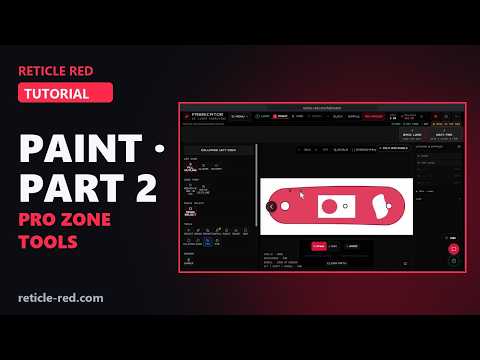
In this tutorial
- Unfill clears a whole connected painted area in one click
- Box cuts a clean window in Erase mode; Exact Size types it in millimeters
- Ellipse in Fill mode adds an oval medallion
- Lasso paints or erases a freehand area
- Pen: click corner points, drag for curves, then commit to include or exclude
- Banner: pick a ribbon shape, type the text, drag it on; the art wraps around it and the inside stays clean
- Invert swaps the zone and the empty area
- Magic Select: AI selects the main subject, an object by name, or a tapped object (1–2 CR each; Operator members get an allowance free)
- Remove BG cleans up a busy photo; Save Outline keeps the zone in your Armory
Chapters
- 0:00 Intro
- 0:12 Unfill and Box
- 0:34 Ellipse
- 0:45 Lasso
- 0:56 Pen and Banner
- 1:19 Invert and Magic Select
- 1:39 Remove BG and Save Outline
What the The Fabricator tutorial covers
- 0:12 — Unfill and Box
- 0:34 — Ellipse
- 0:45 — Lasso
- 0:56 — Pen and Banner
- 1:19 — Invert and Magic Select
- 1:39 — Remove BG and Save Outline
Find the Right Laser Tool for Your Job See Real Results →
Privacy Policy| Terms of Service| Refund Policy| Contact and Support